



Make the next step easy to understand
When a new visitor arrives, they’re looking for quick answers: What is this product? Is it right for me? What does it cost? When will it arrive? What if I need to return it?
Your site should make those answers easy to find. Keep your navigation simple, organize products into clear categories, and use action buttons with plain language such as “Add to cart” or “Choose your size.” Avoid making customers guess what a button does or where to find important details.
A well-planned store also needs a consistent visual style. Clear typography, readable text, quality images, and a layout that feels connected to your brand can help customers navigate with confidence. Good small business web design isn’t only about looking polished; it’s about making it easier for people to decide what to do next.
Build product pages that answer real questions
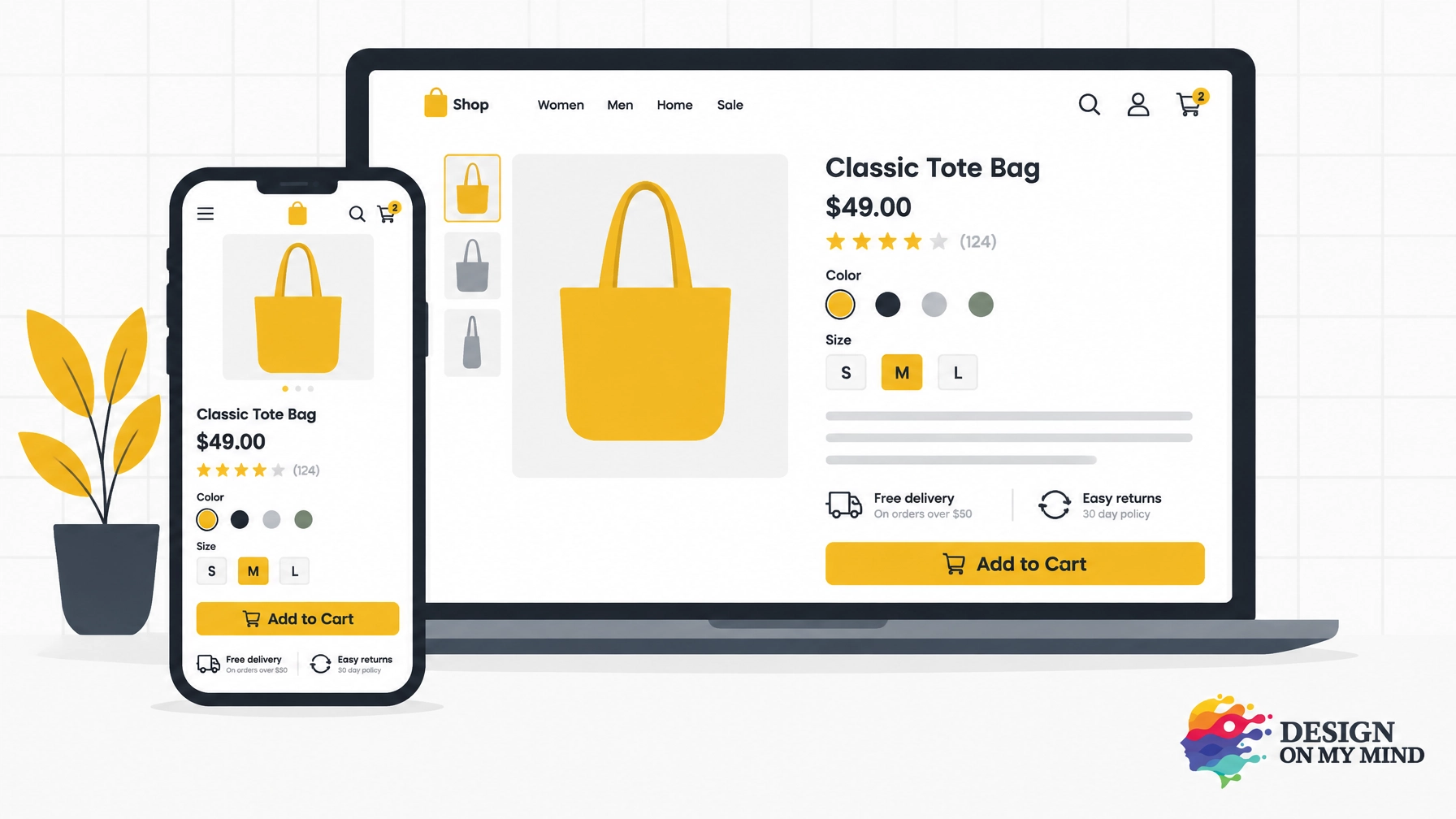
A product page is often where a visitor decides whether to buy. Give each item its own useful page, with the information a customer needs to make a confident choice.
Include:
- A clear product name, price, and availability
- High-quality images showing the product from useful angles
- Sizes, colors, materials, dimensions, or compatibility details
- A concise explanation of what the product does and who it’s for
- Shipping, delivery, and return information
- Genuine customer reviews, if available
- A noticeable purchase button
Product photos should help customers picture the item in real life. If it makes sense for your product, include a close-up, a scale reference, and an image showing it in use. For products with options, make it easy to select the right size or color, and show clearly when a selection is unavailable.
Be specific about what’s included and what isn’t. If customers regularly ask the same questions before buying, answer them on the page. That small bit of clarity can make shopping feel more straightforward.
Show the details that build trust
Online shoppers can’t pick up an item or speak with a salesperson in the aisle. Your website needs to help fill that gap.
Make it easy to find your contact details, shipping costs, delivery estimates, and return policy. Explain what happens after an order is placed and how a customer can get help. If you display reviews, use genuine customer feedback and present it honestly.
Trust isn’t created by a badge alone. It grows when the whole experience feels clear and consistent: product descriptions match the photos, prices are easy to understand, and important policies aren’t hidden until the last step.
Be upfront about the total cost. Unexpected shipping fees or other charges late in checkout can surprise customers and cause them to abandon a purchase. Share the information as early as you can, rather than waiting until someone is ready to pay.
Make checkout feel manageable
A customer who has decided to buy shouldn’t have to work hard to finish the order. A long, confusing checkout can undo the good work of the rest of your website.
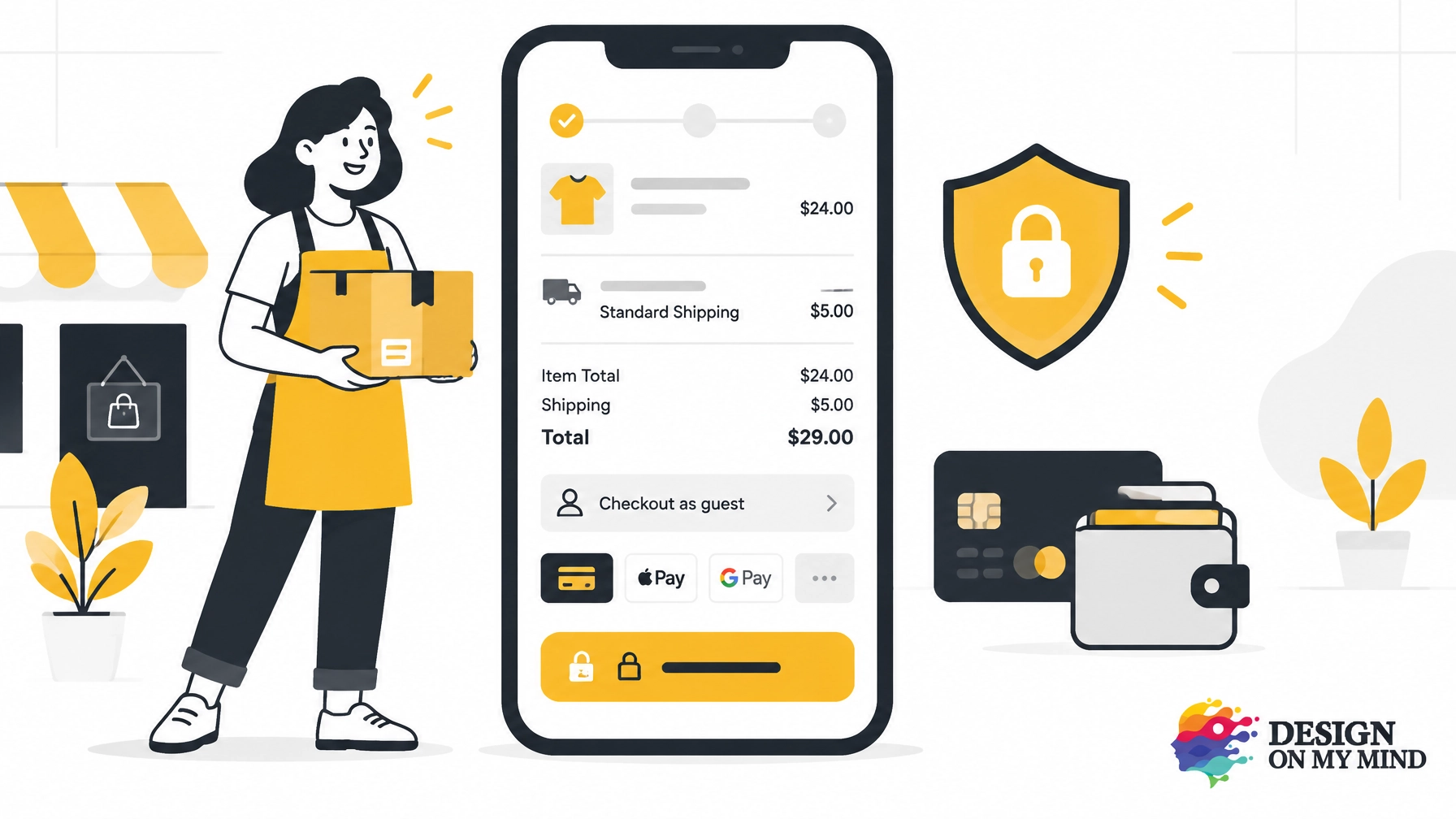
Keep forms short and ask only for information you need. Let customers check out as guests, and make it easy to review the order, shipping choice, and total before payment. Offer payment methods that suit your customers and work reliably on mobile.
Be especially clear at the final step. Customers should know when they’re placing an order, what they’ll be charged, and what happens next. After purchase, show an order confirmation with the key details and a way to contact you if they need help.
Baymard Institute’s checkout research highlights how much usability can vary across online stores. The takeaway for a growing business is simple: don’t assume checkout is working well just because it technically works. Try placing an order yourself, on a phone as well as a computer.
Design for shoppers on phones
A lot of people will discover and shop your store on a mobile device. Your site should feel designed for a smaller screen, not squeezed into one.
Use readable text, buttons that are easy to tap, and a menu that helps shoppers find products quickly. Make product images, options, forms, and payment steps easy to use with one hand. Check that important information doesn’t disappear behind pop-ups or sticky bars.
Most importantly, test the full shopping journey on a real phone. Browse a category, open a product, choose an option, add it to your cart, and try to check out. Look for problems such as text that’s too small, slow-loading images, unclear errors, or a cart that loses its contents. Fixing a small snag can make the experience less frustrating for every customer who encounters it.
Give product pages a strong SEO foundation
Search engines need to understand what each product page is about, and shoppers need to recognize that it matches what they’re looking for. Use a clear, descriptive product title and write original descriptions that explain the item’s features and benefits in everyday language. Include relevant details naturally; repeating the same keyword over and over won’t help customers make a decision.
Organize products into useful categories, link to them from your navigation, and make sure important pages can be found through your site. Accurate prices, availability, and product information matter for people and search platforms alike.
Google explains how to provide product information through structured data for Merchant Center and offers guidance for optimizing product data. These are useful references as your store grows. Structured data can help search engines interpret page details, but it doesn’t guarantee rankings or special search results. Start with accurate, helpful product pages and keep the information up to date.
If your shop serves a local audience, connect your product pages to your wider visibility strategy. Our guide to the local SEO framework covers practical ways local businesses can improve how they’re found online.
Improve the store one step at a time
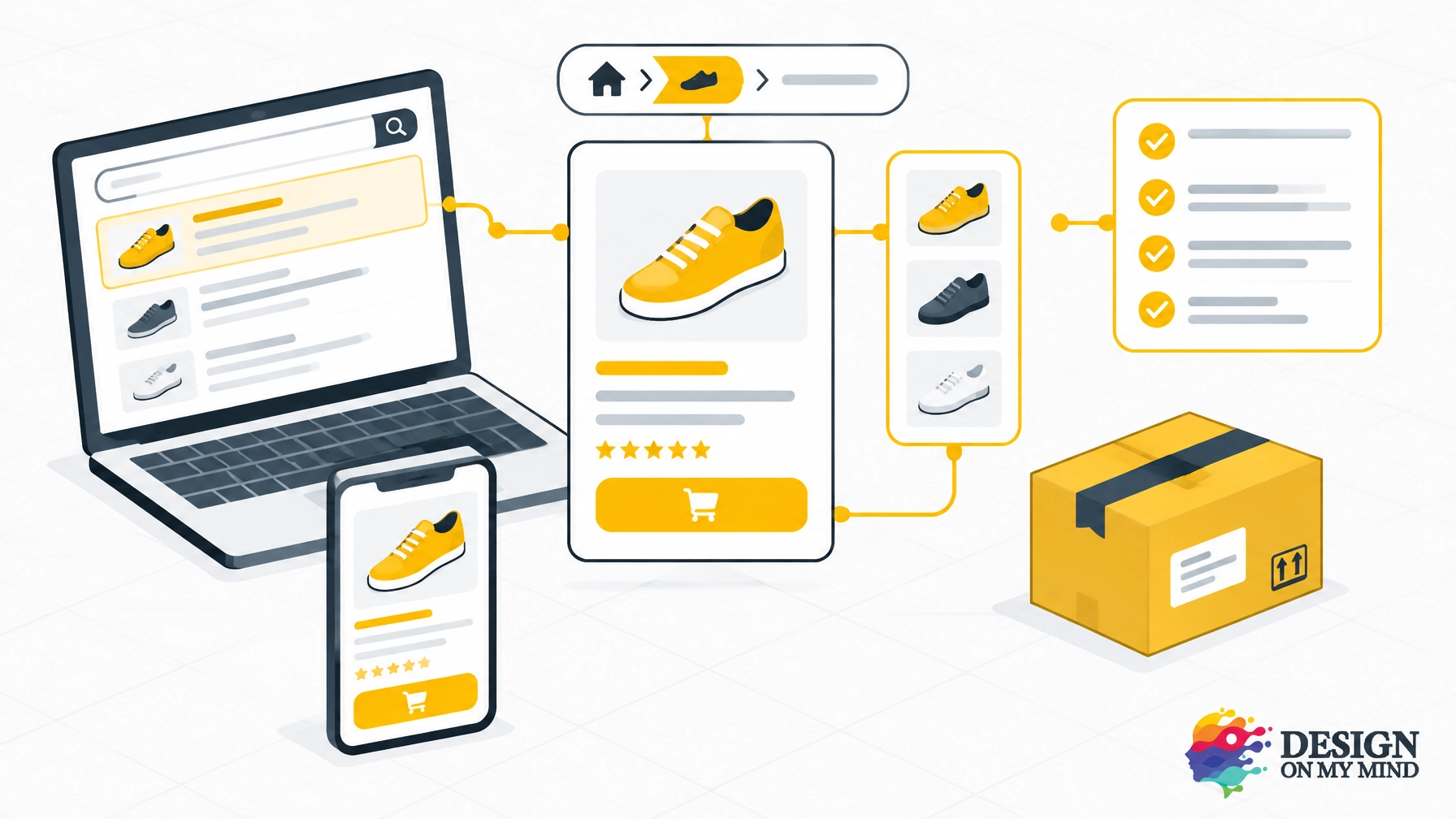
You don’t have to rebuild everything at once. Start by checking your store as if you were a first-time customer:
- Can you quickly find a product you want?
- Does its page answer the most important questions?
- Are shipping costs and returns easy to understand?
- Can you complete checkout on your phone?
- Does the order confirmation explain what happens next?
If you’re not sure where visitors are getting stuck, look at the questions customers ask, the steps where shoppers leave, and any checkout or payment errors. A clear picture of the problem helps you decide what to improve first.
Your store will keep changing as your business grows. Review the experience regularly, add customer feedback where it’s useful, and test updates before rolling them out widely. Small improvements can make browsing and buying feel simpler.
Build your store with a partner
A successful online shop brings together design, product organization, development, payment, and search visibility. You may not want to manage every detail alone, and you don’t need to arrive with all the technical answers.
At Design On My Mind, we bring those pieces together through custom website development and end-to-end e-commerce support. We’ll help you shape a store around your products and goals, guide you through decisions step by step, and explain the process in plain English. Our web development service includes e-commerce options such as product setup, shipping, mobile optimization, and guest checkout, depending on the plan you choose.
A useful website also needs to help visitors take action. If you’re improving a broader business site alongside your shop, you may find our guide to why your small business website isn’t bringing in customers helpful.
You bring the idea. We’ll help make the online shopping experience clear, trustworthy, and ready to grow. Get in touch with Design On My Mind for a friendly conversation about your next step, no pressure and no technical expertise required.